Flamingo Alternative: PTO Tracking Software Beyond Slack (2026)

Blasko Sarcevic
Published · Updated
A Flamingo alternative for teams outgrowing a Slack bot. Time Out Zone is PTO tracking software and leave management with a five-level policy hierarchy, multi-step approvals, multi-location holidays and an audit trail, at $4 per user per month, billed annually.
Topic
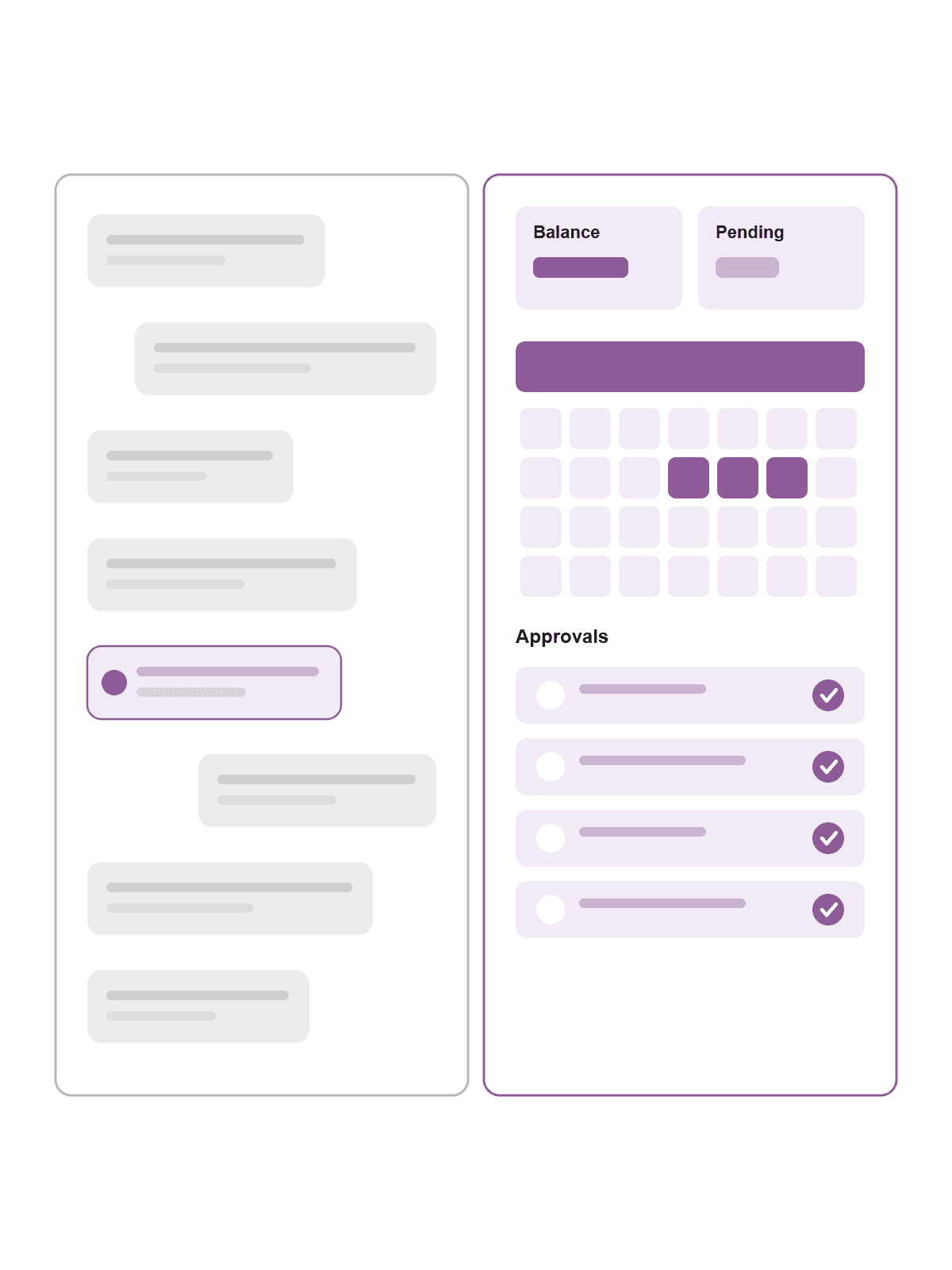
Is Time-Out Zone a good Flamingo alternative for larger teams?
Choose Flamingo if your team lives entirely in Slack and you want very simple PTO tracking with automatic Slack status and who-is-off posts. Choose Time-Out Zone if you need dedicated PTO tracking software with configurable policies, multi-step approvals, multi-location support and real reporting. Time-Out Zone is leave management for larger and more complex organizations, with a five-level policy precedence hierarchy (User > Tag > Team > Department > Location), deputy coverage rules, and a per-field audit trail. Flamingo no longer offers a free plan: its Business plan starts at $30 per month (about $3 per user, 7-day trial), is Slack-first, and offers scheduled daily/weekly reports and data export but no analytics dashboard. Time-Out Zone is $4 per user per month, billed annually, and is built for teams of 20 to 124 users; larger teams get a custom quote.
Who each tool is built for
Flamingo optimizes for Slack-first simplicity. Requests, approvals, accruals and notifications happen right in Slack, with automatic status and who-is-off posts. For small, Slack-centric teams, adoption is instant; entry costs $30 per month after a 7-day trial.
Time-Out Zone optimizes for configurability and governance. It assumes several departments and locations, group-specific entitlements, layered approvals, and clean records. It is a dedicated platform rather than a chat add-on. That depth is why it carries a 20-user minimum.
Flamingo vs Time-Out Zone at a glance
| Time-Out Zone | Flamingo | |
|---|---|---|
| Product type | Dedicated, configurable leave management software | Slack-first PTO bot |
| Policy depth | Lump-sum, accrual, hybrid, tenure tiers, 5 carry-over strategies | Customizable policies and accruals, simple |
| Approvals | Conditional, multi-step chains, six approver types, deputy lifecycle | One-click, no multi-step chains |
| Reporting | Dashboard + 10 report types, CSV/PDF/Excel | Scheduled daily/weekly reports, data export |
| Platform | Dedicated web app (EN + DE) | Slack-first (Teams announced) |
| Free plan | No | No (7-day trial) |
| Entry price | $4 / user / mo (Professional) | Business, from $30 / mo (~$3 / user) |
| Best for | Larger, complex organizations | Small, Slack-centric teams |
PTO tracking software: configuration compared
In PTO tracking software, policy depth is what matters. Flamingo covers customizable policies, holidays and accruals (weekly, biweekly, monthly, quarterly). It is simple and quick.
Time-Out Zone goes much deeper: three grant models (lump-sum, accrual, hybrid), five carry-over strategies with caps and expiry, tenure-based allocation, negative-balance and overdraft handling, and spending limits. The five-level policy precedence hierarchy (User > Tag > Team > Department > Location) resolves exactly one effective policy per employee, with tag-based segmentation in replacement, additive and personal-entitlement modes.
Approval workflow software: routing compared
Flamingo uses one-click approvals in Slack but does not offer multi-step chains. For straightforward sign-off that is enough.
Time-Out Zone offers conditional, multi-step approval chains with six approver types, routing by team, department, location, leave type, duration or role, and an escalate-or-skip fallback. Deputy approvers have a full lifecycle, and team coverage rules enforce minimum coverage, maximum simultaneous absences and blackout dates before approval.
Multi-location, holidays and governance
Time-Out Zone manages locations with compliance fields, per-location holiday sets with import, granular role-based access control, a per-field audit trail, and opening-balance import. Flamingo covers holidays and calendar feeds but does not match that depth on permissions and audit history.
Reporting and analytics
This is where the gap is widest. Flamingo offers scheduled daily and weekly reports plus monthly and yearly exports, but no analytics dashboard. Time-Out Zone includes an analytics dashboard (utilization, balance distribution, approval turnaround, sick-leave trend, year-over-year) and ten report types exportable to CSV, PDF and Excel on a schedule, which is what finance and HR need at scale.
Pricing in plain terms
Flamingo dropped its free plan: the Business plan starts at $30 per month (about $3 per user, billing only for added people) after a 7-day trial. Time-Out Zone wins on depth-per-dollar: Professional is $4 per user per month, billed annually, with automations included. The trade-off is the 20-user minimum.
Switching from Flamingo (or a spreadsheet)
Time-Out Zone supports opening-balance import, so you can bring current entitlements and used days across. Export balances from Flamingo or your pto tracker excel sheet, map employees to teams, departments and locations, import, define the policy hierarchy once, then turn on approval routing.
When Flamingo is still the better choice
Flamingo is the better pick if your team works entirely in Slack, you want maximum simplicity, and $30 per month is justified for a small team. Time-Out Zone is not a chat-native tool. If Slack-first simplicity matters more than configuration and reporting depth, Flamingo wins.
How to choose
- Pick Flamingo if: small, Slack-centric team, maximum simplicity, $30 per month in budget.
- Pick Time-Out Zone if: multiple departments or locations, group-specific entitlements, conditional multi-step approvals, real reporting, 20 to 124 users.
- Still unsure: if approval routing, thin reporting or multi-location holidays are your frustration, that is the signal to move to a dedicated platform.
Category-level comparison. Pricing and features are accurate as of 2026 and may change. Confirm current Flamingo details on their pricing page.
Frequently asked questions
- Is there a free Flamingo alternative?
- No: Flamingo discontinued its former free tier and now offers only a 7-day trial before the Business plan from $30 per month. Time-Out Zone does not offer a permanent free plan either; it is $4 per user per month, billed annually, and is aimed at larger teams.
- What is the best PTO tracking software for larger companies?
- For configurable policies, multi-step approvals and real reporting, a dedicated platform such as Time-Out Zone fits better than a Slack bot. Small, Slack-centric teams are well served by Flamingo.
- Time Out Zone vs Flamingo pricing, which is cheaper?
- Both land close together: Flamingo around $3 per user with a $30 monthly minimum, Time-Out Zone at $4 per user per month, billed annually. At greater depth Time-Out Zone wins: Professional is $4 with automations included.
- Does Flamingo work without Slack?
- Flamingo is Slack-first and has a web app, but its value is clearly in Slack (Teams is announced). Time-Out Zone is a standalone web platform independent of any chat tool.
- Can I migrate my balances from Flamingo?
- Yes. Time-Out Zone supports opening-balance import, so current entitlements and used days carry over during the switch.
- Does Time-Out Zone have better reporting than Flamingo?
- Yes. Time-Out Zone offers an analytics dashboard and ten report types with export, while Flamingo provides scheduled reports and data export but no analytics dashboard.
About the author
Blasko Sarcevic
Founder, Time-Out Zone
Connect on LinkedIn Connect on LinkedIn
Blasko writes about leave management, policy design, and running time-off operations at scale.
Related
Evaluate Time-Out Zone yourself
See how the policy engine and approval chains resolve for every employee, or calculate leave entitlement in seconds.