Time Off Request Form Template

Blasko Sarcevic
Published
A ready-to-use time off request form: copy it as plain text, paste it into an email or document, and you have a working request process. Below the template: what a good form must contain and how to handle the approvals.
Topic
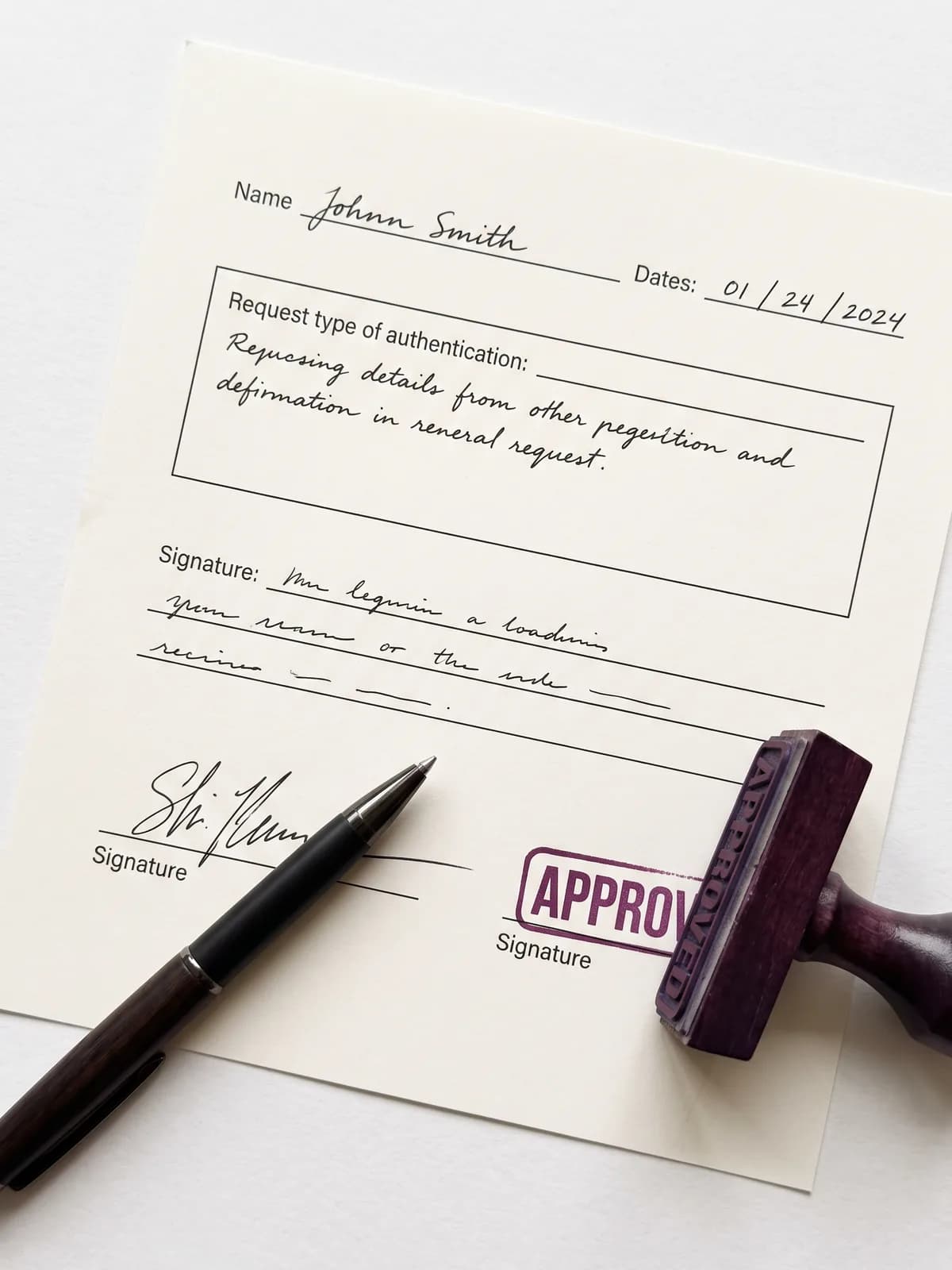
The template: one form, every field an approver needs.
Time Off Request Form
Employee details
- Employee name
- Department / team
- Manager / approver
- Date of request
Leave details
- Type of leave
- Vacation / Sick / Personal / Bereavement / Unpaid / Other
- First day of leave
- Last day of leave
- Total working days requested
- Reason (optional)
Coverage during absence
- Covering colleague
- Handover notes
Approval
- Employee signature / date
- Manager decision
- Approved / Denied
- Manager signature / date
Approved requests should be recorded in the leave calendar and deducted from the employee's balance.
Copies a plain-text version you can paste into email or a document.
What should a time off request form include?
A complete time off request form needs four blocks. Employee details identify who is asking and who decides: name, department or team, the approving manager, and the request date. Leave details carry the substance: the type of leave (vacation, sick, personal, bereavement, unpaid), the first and last day, the total working days requested, and an optional reason. A coverage block names the colleague covering the work and any handover notes, which is what makes approval easy to say yes to. The approval block closes the loop: the employee signature, the manager's decision, and the manager's signature with date. Two fields are commonly forgotten and worth adding: the remaining balance after the request, so both sides see the impact, and the request date, which matters when policies require advance notice. Once approved, the request should land in the team calendar and the balance record, not in a folder.
How to use this template
Click Copy template above and paste the plain-text version wherever your process lives: an email thread, a shared document, a printed sheet. Employees fill in the fields, the manager decides and signs, and the approved request gets recorded.
For small teams this paper flow works fine. The failure mode appears with growth: forms get lost, balances drift out of date, approvals stall in inboxes, and nobody sees overlapping absences until two people are gone the same week.
Field by field: why each one is there
Every field on the template earns its place in the approval decision:
| Field | Why it matters |
|---|---|
| Type of leave | Different types follow different rules: paid or unpaid, balance or event |
| First and last day | The exact range prevents off-by-one disputes over weekends and holidays |
| Total working days | The number that actually gets deducted from the balance |
| Date of request | Evidence for advance-notice rules and fair first-come decisions |
| Covering colleague | The approver's main question answered before it is asked |
| Manager decision + signature | A clear, dated record of who approved what |
The approval flow around the form
A form is only the front end of a process. Define the rest explicitly: how far ahead requests must be submitted (one to two weeks for vacation is common), who approves (usually the direct manager, sometimes HR for long or unpaid leave), and what the tie-breaker is when two requests collide. Write the rules into the leave policy the form points to.
After approval, three updates must happen every time: the team calendar shows the absence, the balance is reduced, and the employee gets the confirmation. Most paper processes break at exactly this step, because the updates are manual and easy to skip.
When a form stops being enough
The template above digitizes nothing: it standardizes. That is worth a lot at 5 people and too little at 50. Signals you have outgrown the form: balance disputes at year end, approvals that take days, double-booked absences, and HR rebuilding spreadsheets from old emails.
A leave management system replaces the form with a request flow that checks the balance, the notice rules, and team conflicts before the manager ever sees the request, and writes the calendar and balance updates automatically.
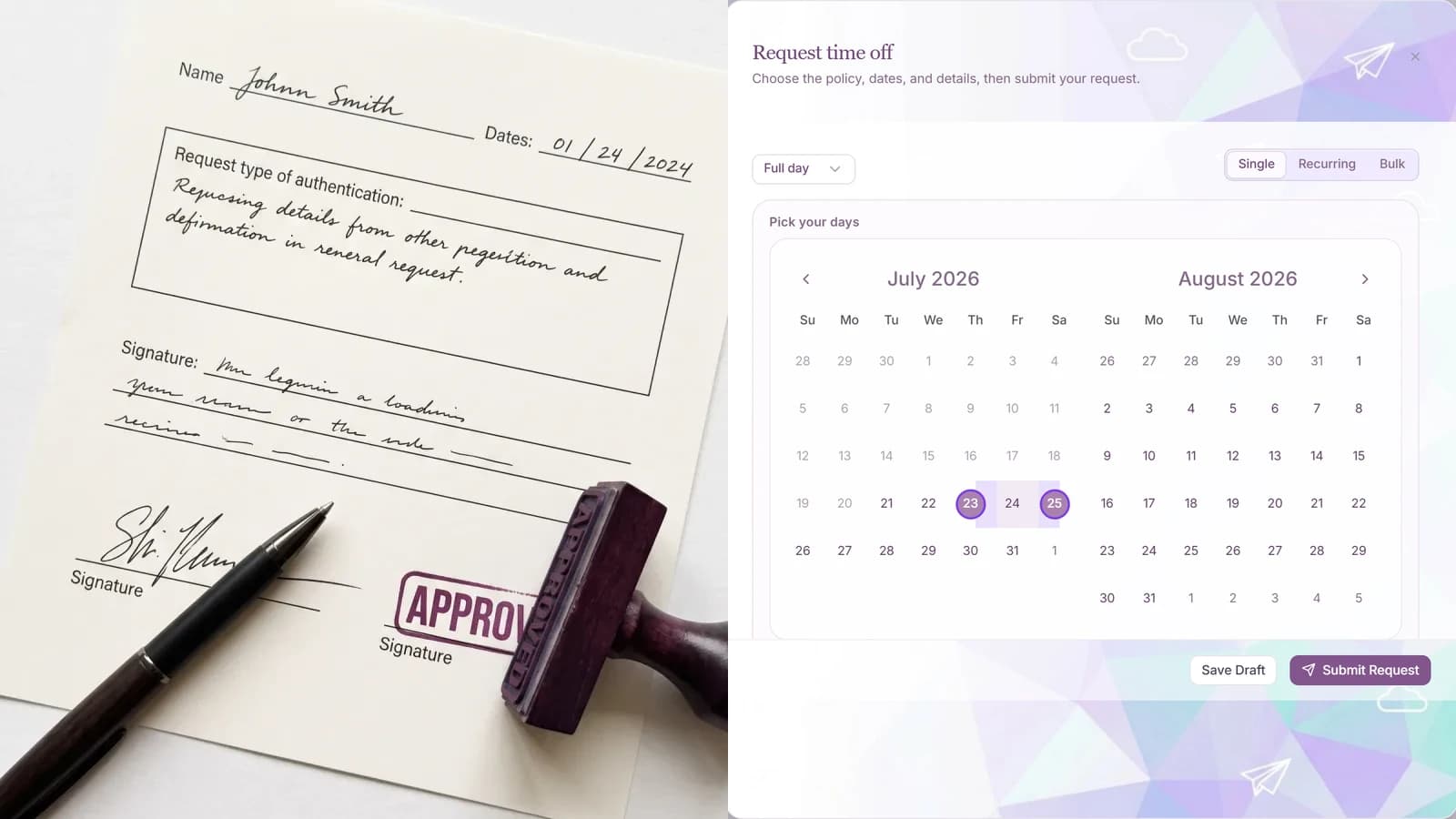
Editorial template and process guide. Adapt the fields to your policy; leave types and notice rules differ by company and jurisdiction.
Frequently asked questions
- What is a time off request form?
- A standard document employees fill in to ask for leave: who is asking, what type of leave, the exact dates, coverage, and the manager's signed decision.
- Is this template free to use?
- Yes. Copy it with the button above and paste it into an email, document, or print layout. No download or signup required.
- How far in advance should employees request time off?
- One to two weeks for ordinary vacation is a common rule; longer for extended leave. Whatever you choose, write it into the policy and keep the request-date field on the form.
- Who approves a time off request?
- Usually the direct manager. Many companies add HR for long, unpaid, or protected leave types, and a fallback approver for when the manager is away.
- What happens after a request is approved?
- Three updates: the absence goes into the team calendar, the days are deducted from the balance, and the employee receives the confirmation. If any of these is manual, expect drift.
About the author
Blasko Sarcevic
Founder, Time-Out Zone
Connect on LinkedIn Connect on LinkedIn
Blasko writes about leave management, policy design, and running time-off operations at scale.
Related
Retire the form
Time-Out Zone turns this template into a request flow with balance checks, approval routing, and automatic calendar updates.
Questions about payouts?
See how Time-Out Zone automates payouts, accruals, and approvals for your team.