Employee Onboarding Checklist

Blasko Sarcevic
Published
A ready-to-use onboarding checklist for new employees: copy it as plain text, paste it into your project tool or a shared document, and every hire follows the same path. Below the checklist: what each phase must cover, who owns which step, and where onboarding usually breaks.
Topic
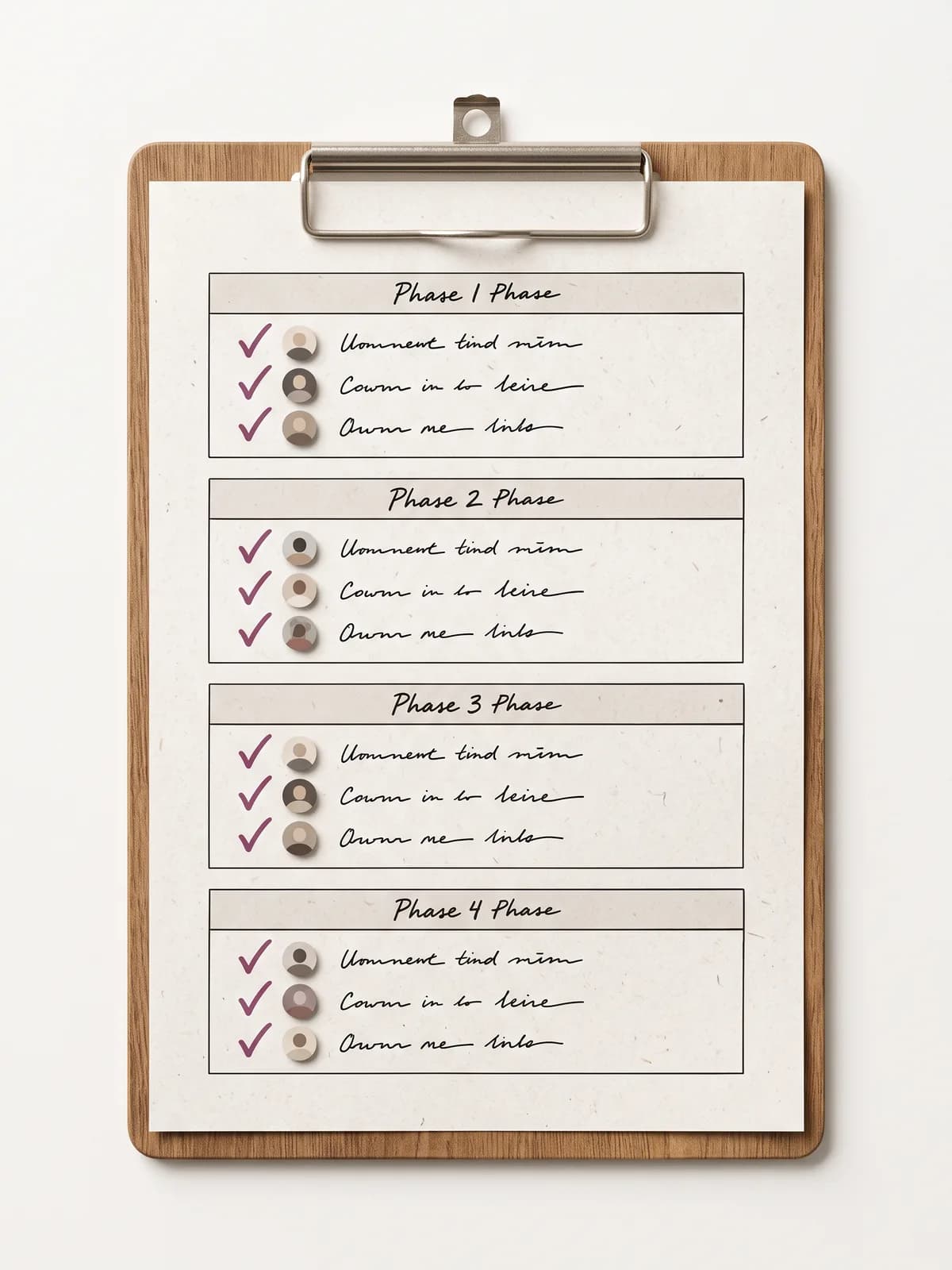
The checklist: four phases, every step owned.
Employee Onboarding Checklist
Before day one
- Signed contract and payroll/tax forms receivedHR
- Hardware ordered and workspace or remote setup preparedIT
- Accounts created: email, chat, HR system, time-off toolIT
- Welcome email with start time, location or link, and agendaHR
- Buddy or mentor assignedManager
- First-week schedule draftedManager
First day
- Welcome and team introductionsManager
- Office or remote tour: tools, channels, where to ask whatBuddy
- Security and access basics: passwords, 2FA, VPNIT
- Policy walkthrough: working hours, leave policy, sick noticeHR
- First small task or starter project assignedManager
First week
- 1:1 with the manager: role, expectations, how success is measuredManager
- Meet the key people: intro meetings scheduledBuddy
- Team processes explained: meetings, reviews, deployment or deliveryManager
- Leave balance and request flow shown in the time-off toolHR
- End-of-week check-in: questions, blockers, first impressionsManager
30 / 60 / 90 days
- Day 30: goals review, feedback both ways, training gapsManager
- Day 60: first independent project owned end to endManager
- Day 90: performance conversation and development planManager
- Probation decision documented (where applicable)HR
- Onboarding survey: what worked, what to fix for the next hireHR
Every step has an owner: unowned steps are the ones that get skipped.
Copies a plain-text version you can paste into email, a document, or your project tool.
What should an employee onboarding checklist include?
A complete onboarding checklist covers four phases. Before day one: the paperwork (signed contract, payroll and tax forms), the hardware and accounts, a welcome email with the practical details, and an assigned buddy, so the first day is a welcome rather than an IT ticket queue. The first day: introductions, a tour of the tools and channels, security basics, and the policy walkthrough covering working hours, the leave policy, and how to call in sick. The first week: the manager 1:1 about the role and expectations, intro meetings with key people, team processes, and a first small task. Then 30-60-90 days: a goals review at 30, an independently owned project at 60, and a performance and development conversation at 90. Two rules make the difference between a checklist that works and one that decorates a wiki: every step has a named owner (HR, IT, manager, or buddy), and the checklist is stored where work happens, not in a drawer.
How to use this checklist
Click Copy checklist above and paste the plain-text version into your project tool, a shared document, or an email to the hiring manager. Assign each phase a date relative to the start date, and each step keeps its owner tag: HR, IT, manager, or buddy.
Run it once per hire, not from memory. The steps that get skipped are always the unowned ones: the leave-policy walkthrough nobody scheduled, the buddy nobody assigned, the 30-day review that quietly became a 90-day review.
Who owns which step
Onboarding fails in the gaps between departments, so the checklist names an owner per step:
| Owner | Typical steps |
|---|---|
| HR | Paperwork, welcome email, policy walkthrough, leave setup, surveys and probation records |
| IT | Hardware, accounts, security basics: ready before day one, not during it |
| Manager | Expectations, first tasks, 1:1s, the 30-60-90 reviews |
| Buddy | The informal layer: tours, intro meetings, the questions nobody wants to ask the boss |
The time-off setup step most checklists miss
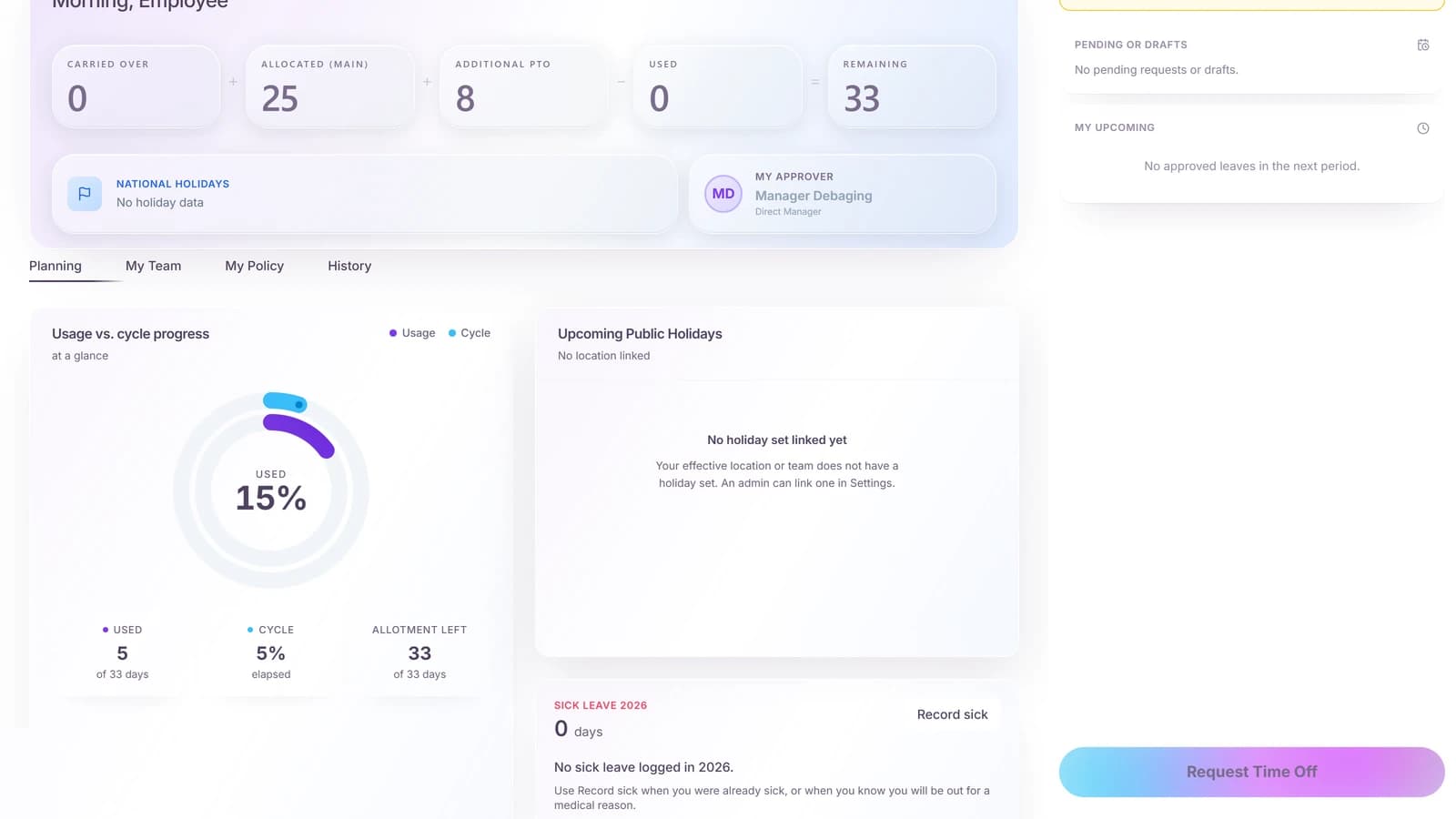
Somewhere in week one, someone must set up the new hire in the leave system: which policy applies, what the starting balance is (prorated for a mid-year start), and how requests get approved. Skip it and the questions arrive in month two as payroll disputes: wrong balances, untracked absences, and a manager approving from memory.
In Time-Out Zone this is three steps that take minutes: invite the person (or bulk-import a whole starting class), let the assigned policy compute the prorated entitlement, and set an opening balance if they bring days from a legacy system. The checklist item then shrinks to: show the new hire where to request time off.
30-60-90: the part that predicts retention
The first weeks decide logistics; the first months decide whether the hire stays. The 30-day review checks direction: are the goals right, does the training match the gaps. The 60-day mark hands over the first fully owned project. The 90-day conversation is the honest one: performance, fit, and the development plan, plus the probation decision where local law has one.
Put all three dates in the calendar on day one. Reviews that are scheduled happen; reviews that are intended do not.
Editorial checklist and process guide. Adapt the steps to your company; probation rules and required paperwork differ by jurisdiction.
Frequently asked questions
- What is an employee onboarding checklist?
- A phase-structured list of every step a new hire needs, from paperwork before day one to the 90-day review, with a named owner (HR, IT, manager, or buddy) for each step.
- Is this checklist free to use?
- Yes. Copy it with the button above and paste it into a document, email, or project tool. No download or signup required.
- How long should employee onboarding take?
- Plan for 90 days, not one week. The logistics fit into the first days, but goals, feedback, and the first independently owned project need the 30-60-90 arc.
- Who is responsible for onboarding?
- Shared ownership with named steps: HR drives paperwork and policies, IT prepares access before day one, the manager owns expectations and reviews, and a buddy covers the informal questions.
- What should be set up in the leave system for a new hire?
- The applicable leave policy, the prorated starting balance for a mid-year start, an opening balance if days carry over from a previous system, and a quick walkthrough of how to request time off.
About the author
Blasko Sarcevic
Founder, Time-Out Zone
Connect on LinkedIn Connect on LinkedIn
Blasko writes about leave management, policy design, and running time-off operations at scale.
Related
Onboard the whole class in minutes
Time-Out Zone covers the leave side of onboarding: invite or bulk-import new hires, assign policies with prorated balances, and import opening balances from your old system.
Questions about onboarding?
See how Time-Out Zone handles invitations, policies, and starting balances for new hires.