Roles and permissions
Time Out Zone ships four roles (owner, admin, manager, and employee), created automatically when your company is set up. Every sensitive operation on the server checks a specific permission, so what a person can do is defined by their role, not by which buttons happen to be visible.
The model is deliberately simple: most companies never need to think about it beyond "who are our admins and who manages whom".
What each role can do
- Employee: the self-service basics: request time off, view and edit or cancel own requests, check balances, use the employee dashboard.
- Manager: everything an employee can, plus approving and denying requests, team visibility, the deputy-approver lifecycle, reading reports, and suggesting policy changes to admins.
- Admin: full configuration: people, teams, departments, locations, holidays, tags, leave types, policies, approval flows, work schedules, invitations, balance imports, reports, audit, and company data export.
- Owner: the same permission set as admin; the difference is ownership of the account and billing context, not extra checkboxes.
Managers configure nothing company-wide. A manager who needs to change a policy suggests the change; an admin applies it. That separation is what keeps the audit trail meaningful.
Change someone's role
- Open Settings and go to "People".
- Open the person's profile.
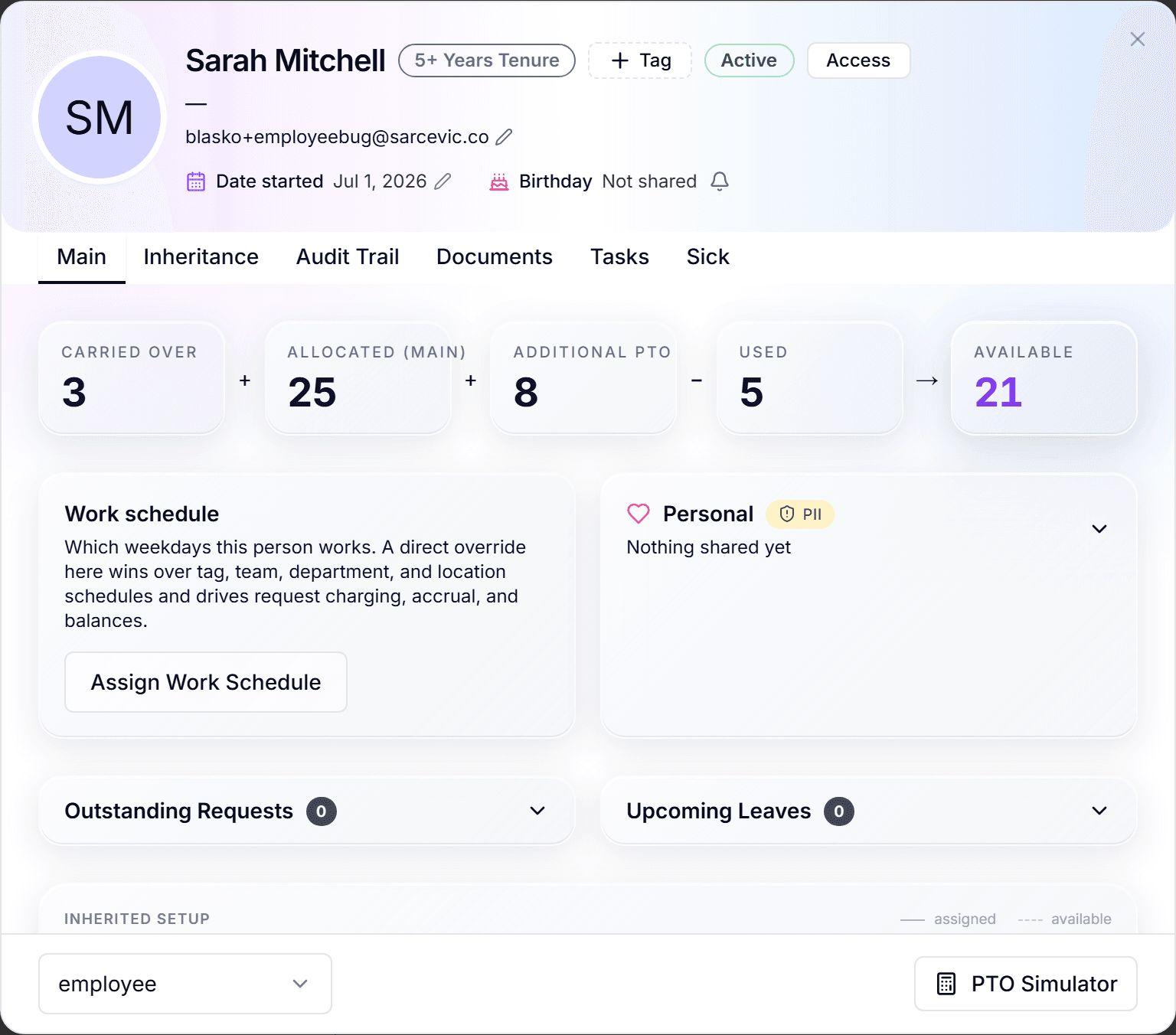
- In the profile footer, pick the new role from the role dropdown.
- The change takes effect immediately and is written to the audit trail.
How enforcement works
Permissions are checked on the server for every sensitive action: hiding a button is cosmetics, the real gate is behind it. Each check also confirms the data belongs to your company, so roles and tenant isolation are enforced in the same place.
Frequently asked questions
- Can I create custom roles or edit the permission matrix?
- Not from the interface today: the four built-in roles are the model. In practice the manager/admin split covers the cases custom roles usually get invented for.
- Does being someone's manager require the manager role?
- The manager relationship (who approves whose requests) and the manager role (what the account can do) work together: assign people to a manager in the organization structure, and give that person the manager role so they can act on the requests.
- Who can change roles?
- Admins and owners. Every role change is recorded in the audit trail with who changed it and when.